Shutter Angle and Motion Blur Explained
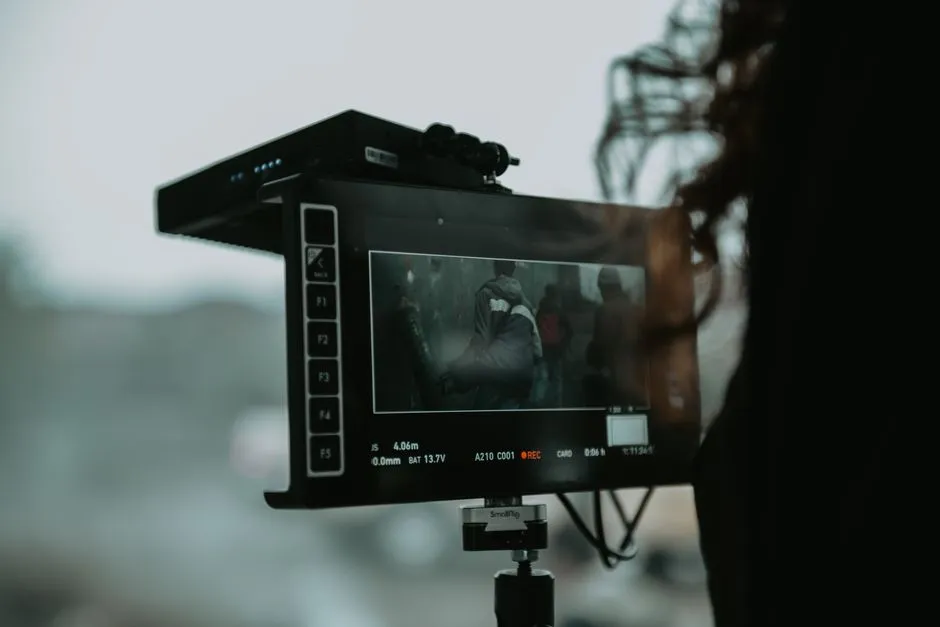
Use shutter to design motion rendering
Shutter angle or shutter speed controls how long each frame gathers light. A longer exposure within each frame produces more motion blur; a shorter exposure produces crisper motion with a more separated or staccato appearance. The useful setting depends on frame rate, subject speed, camera movement, lighting frequency, and the desired scene effect. Test motion, not just a stationary chart.
Understand angle and time
Cinema cameras often express exposure time as shutter angle. At a constant angle, exposure time changes automatically with frame rate. Other cameras display shutter speed as a fraction of a second. Many systems can switch between the two.
Use the exact camera manual or calculator to convert values. Do not rely on a remembered shortcut when changing frame rate for slow motion. Record both frame rate and shutter setting on tests and reports, because either number alone leaves the motion decision incomplete.
Begin with a neutral reference, then depart deliberately
A half-cycle exposure is a common starting reference in many motion-picture workflows, often represented as a 180-degree shutter. It is not a law or a guarantee of natural motion. Walking speed, fast hands, vehicle movement, handheld shake, pans, display refresh, and final projection all affect the result.
Compare at least three settings using the action the scene contains. Watch edges, facial motion, fabric, practical lights, camera moves, and the edit. A short exposure may make impact or panic feel sharp, but it can also make ordinary movement jittery. A longer exposure may smooth or smear motion, sometimes beautifully and sometimes into soup.
Separate shutter from exposure repair
Changing shutter also changes captured light. Do not adjust it merely to solve a brightness problem without considering motion. Use lighting, aperture, neutral-density filtration, exposure index, or another tested production choice as appropriate to the camera and scene.
The exposure-tools guide explains how to verify highlights and shadows while preserving the chosen motion rendering.
Test camera movement and panning
Pan speed, focal length, viewing size, and frame rate affect perceived judder. Run the actual move with foreground and background detail, then review at normal speed on an appropriate display. A move that looks acceptable on a small onboard monitor may feel harsh on a large screen.
For action coverage, keep settings consistent across angles unless a change is intentional and logged. The match-on-action guide shows how motion continuity depends on both performance and image rendering.
Watch for flicker and banding
LED fixtures, practical lights, displays, signs, and other sources can pulse at frequencies the eye does not notice but the camera records. Shutter, frame rate, dimming mode, regional power frequency, scan behaviour, and fixture design can interact.
Test every critical source with the actual camera settings. Use fixtures and operating modes approved for the production, consult equipment documentation, and involve qualified lighting and camera crew. Do not open, rewire, bypass, or modify electrical equipment to chase flicker.
Log speed changes through post
If footage is intended for slow motion, record capture frame rate, project rate, shutter, audio status, and intended interpretation. Verify how editorial will conform or retime it, and preserve the metadata needed to combine image and sound correctly.
The camera-test workflow keeps those values attached to the clips. Choose shutter for the movement the audience will see, then protect that choice through lighting, editorial, and delivery.
Keep hazard decisions with qualified crew
This article covers creative planning only. Mains or generator power, distribution and cabling, powered or hot fixtures, arc sources, battery systems, overhead loads, rigging, grip equipment, ladders, elevated work, vehicles, water, fire, smoke, stunts, and weapon props are outside its instructions. The gaffer, licensed electrician, key grip or rigger, stunt coordinator, or licensed armourer must own the relevant plan under the production protocol. Do not improvise mounts, wiring, load limits, effects, or weapons from this article. For any firearm or weapon prop, follow only the licensed armourer and the production's safety protocol.
Sources
- ARRI, “Metadata” (accessed 1 September 2026) — frame-rate, exposure, timecode, and camera metadata across production and post.
- ARRI, “ARRI Textures” (accessed 1 September 2026) — shutter, frame rate, lens, exposure, filtration, and image-character interactions.
- Adobe, “A guide to sequence shots in film” (accessed 1 September 2026) — planning action coverage and match-on-action sequences.